How do you use a blueprint in Factorio?
Pick the blueprint from the quickbar or the blueprint library, move the layout that follows your cursor into place and click to stamp it onto the map. R rotates it, H flips it left to right and V flips it top to bottom; layouts with rail signals or train stops can only be rotated. The click places ghosts, see-through markers for every building in the layout. Inside the construction area of a roboport, or around you when you wear a personal roboport, construction robots fetch the parts from storage or your inventory and build the ghosts for you. Before you have robots, walk along the ghosts and build each piece by hand, since every ghost shows which building goes where and which way it faces. A small balancer is a good first paste to learn this on.
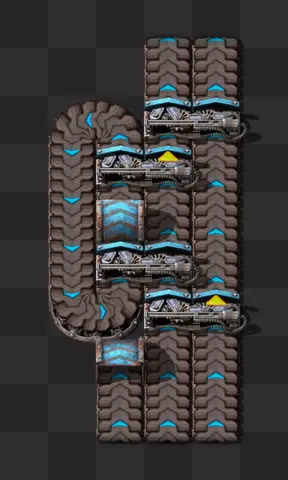
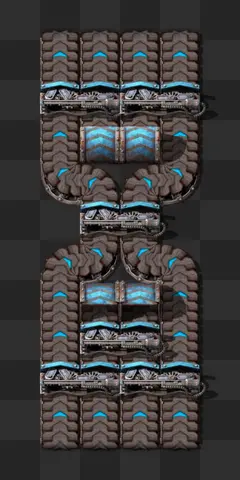
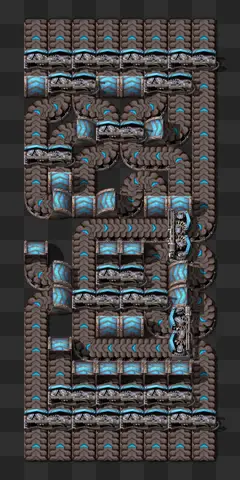
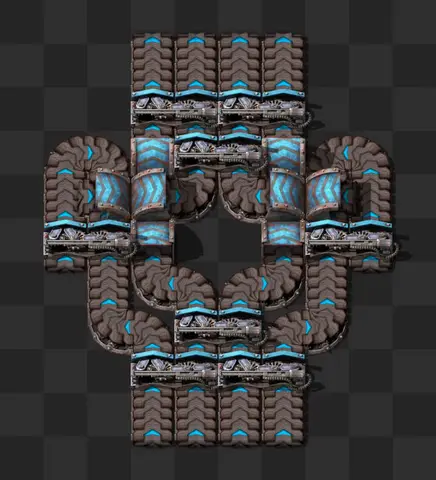
Factorio belt balancer blueprints
How do you make a blueprint in Factorio?
Press the blueprint button on the shortcut bar to get a blank blueprint, then drag a box over the buildings you want to copy; each building that will be included lights up green. When you let go, the setup window opens. There you can swap the four icons that identify the blueprint, check the total parts it needs and, since version 2.0.7, parameterise recipes and signals so that one blueprint can be configured differently each time you build it. The green button saves it, and closing the window instead leaves the blank blueprint unused. A finished blueprint can be placed any number of times. To share one, open it and choose Export to string: the text you copy is the same kind of string every design on this site provides, and pasting such a string is the reverse step.
How to import blueprints in Factorio
How do you copy Factorio blueprints from the internet?
Copy the blueprint string, the long block of text a website shows beside the design, then press Import string on the in-game shortcut bar and paste it. A string is the whole blueprint compressed into text, so there is no file to download, and a complete one starts with the digit 0. A copy that was cut short is a common reason a paste is rejected. Strings only travel forward between versions: a design exported by a newer release, such as 2.1, may not load in 2.0. Every string on this site was exported by Factorio 2.0.7 to 2.0.77, apart from three older balancers saved in 1.1.53, and each one was decoded to check what it contains, though none was test-imported in the game.
How to import blueprints in Factorio, with fixes
Where does Factorio store blueprints?
In the blueprint library, which opens with B or with the button above the minimap. It has two tabs. My blueprints is your personal collection: it is available in every save, but other players in a multiplayer game cannot see it. Game blueprints belongs to the current save, and in multiplayer everyone on your force shares it. The library takes blueprints, books, deconstruction planners and upgrade planners without limit and without using inventory slots, and nothing kept there can be destroyed, unlike a blueprint item kept in a chest that biters attack or a tank runs over. Store an imported design in the library to keep it; you can still put it on the quickbar, where changes you make also change the library copy. Big books, such as the smart train station set, are easier to keep there than in your inventory.
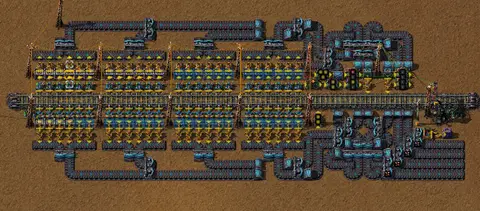
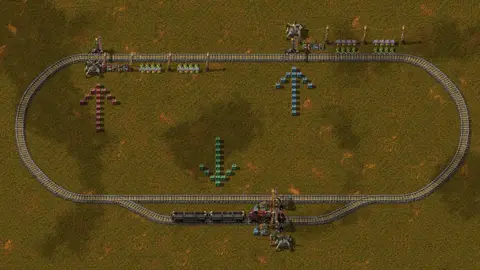
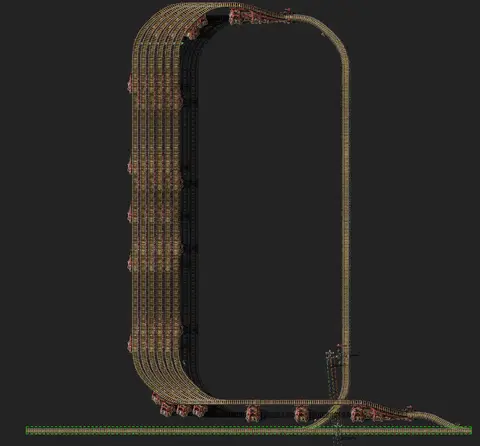
Factorio train unloader and station blueprints
How do you place a blueprint over obstacles?
Hold Shift while you place it. Forced building puts down every part that is not blocked, marks the trees and rocks underneath for removal and adds landfill ghosts where the layout crosses water. In Space Age it uses foundation or ice platform tiles instead, whichever the planet needs. Your own buildings still block the parts they overlap. Since version 2.0.7, Ctrl+Shift goes one step further: super forced building also marks your colliding buildings for deconstruction and replaces conflicting ghosts and tiles, so robots take the old layout down and build the new one. Buildings already marked for deconstruction never block a paste. Large layouts such as nuclear plants cover a lot of ground, so look for trees, rocks and water under the whole footprint before you place them.
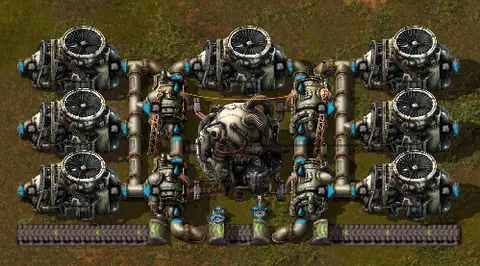
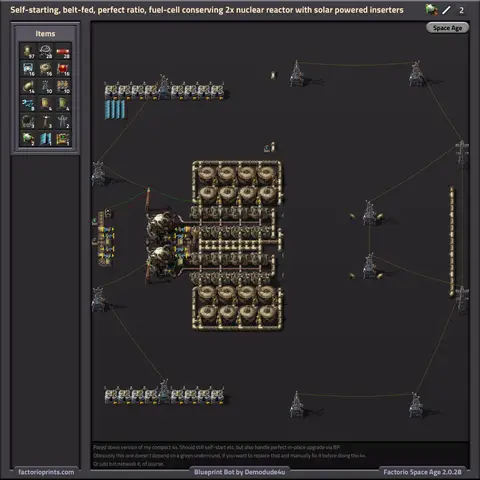
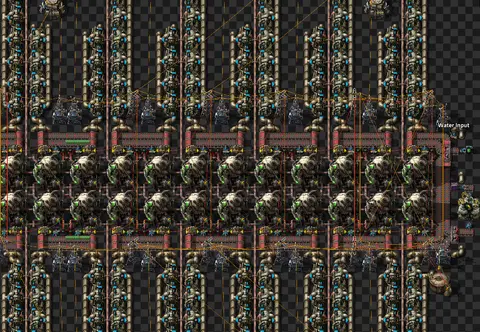
Factorio nuclear reactor blueprints
Do these Factorio blueprints need Space Age?
Most designs here work in the base game. The ones that need Space Age are the 5 nuclear plants made for Aquilo, 8 nuclear plants built with quality parts, the train stacker on elevated rails and the smart train stations with turbo belts. Balancers listed for turbo belts can use them if you have the expansion, but they work without it. For the 8 quality-part plants, the output this site lists is computed at normal-quality ratings, so it is lower than what the plant really gives; their card names keep the output the designer named. The expansion also lets you recycle a blueprint with quality modules into a quality blueprint, which works exactly like a normal one.
Factorio nuclear reactor blueprints for Aquilo and quality parts